Support Ticket Priority Checker
Smarter Ticket Triage for Busy Support Teams
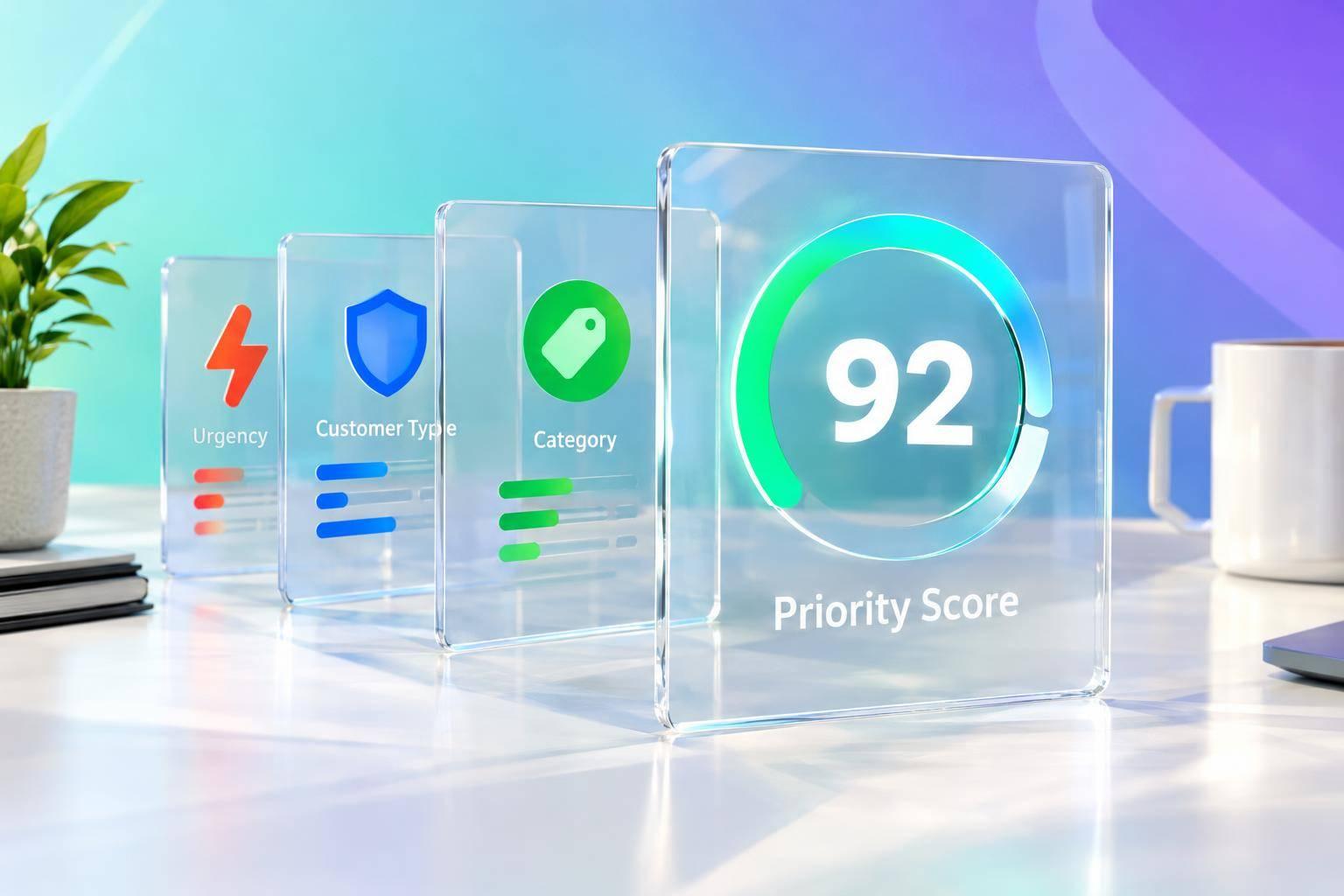
A fast-moving support queue can get messy when every incoming request feels important. A Support Ticket Priority Checker helps teams sort tickets in a more consistent way by weighing urgency, customer type, and issue category together. Instead of relying on gut instinct alone, agents get a clear priority level backed by simple logic.
Why Priority Scoring Matters
When support teams use a transparent scoring model, it becomes easier to spot which cases need immediate attention. A premium customer with a high-urgency technical issue should usually rise to the top, while a low-urgency general inquiry can wait a bit longer. That kind of structure improves response planning and keeps the queue from becoming chaotic.
Clear Logic, Faster Decisions
This ticket prioritization tool is built for practical, everyday use. It applies weighted values to each input and returns a result with a short explanation, so teams understand the outcome instead of just seeing a label. A Support Ticket Priority Checker can also help managers create more consistent triage habits, especially across larger service teams. For help desks looking to improve workflow, reduce guesswork, and handle requests more fairly, a simple support priority system can make a real difference.
FAQs
How does the tool decide whether a ticket is Critical, High, Medium, or Low?
The tool uses a weighted matrix to turn each input into a score. Urgency has the biggest influence at 50%, customer type contributes 30%, and ticket category adds 20%. That means a high-urgency issue from a premium customer will naturally rank above a low-urgency general inquiry from a regular customer. The final label is based on the combined score, and the explanation shows which factors had the strongest impact.
What happens if someone leaves one of the fields blank?
The tool is designed to handle incomplete inputs without breaking the workflow. If a field is missing, it applies a default value so the ticket can still be scored. This is useful for busy support environments where agents may not have every detail right away. The goal is to keep triage moving while still making the logic visible and easy to review later.
Can this help standardize ticket triage across a support team?
Yes, that’s one of its biggest strengths. Instead of relying on individual judgment alone, the tool gives everyone the same scoring framework for incoming tickets. That helps reduce inconsistency, speeds up queue management, and makes it easier for team leads to explain why certain cases were escalated first. It’s especially helpful for teams handling a mix of technical, billing, and general support requests.